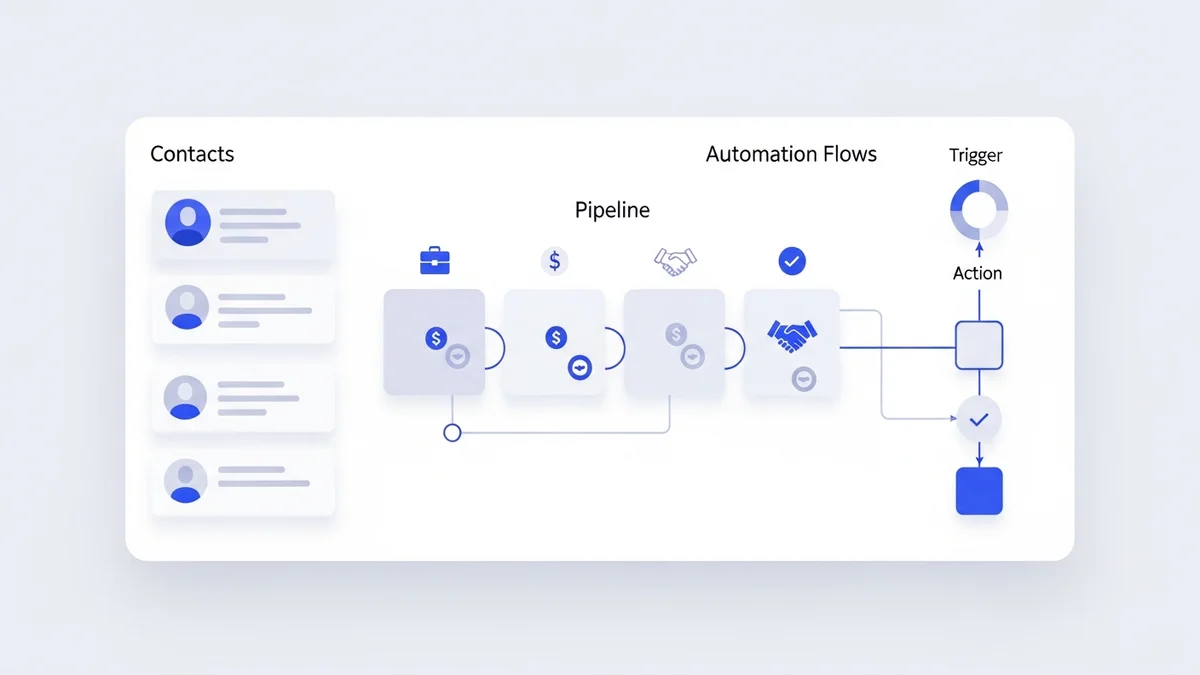

What Is Zoho CRM and Why Does It Matter in 2026?
Zoho CRM has grown from a scrappy alternative to Salesforce into one of the most capable customer relationship management platforms available to small and mid-sized businesses. In a market where leads routinely get buried in email threads and follow-ups fall through the cracks, Zoho CRM offers a structured, data-driven way to manage your entire sales pipeline — without the six-figure price tag that enterprise platforms demand.
For U.S. small business owners especially, the combination of deep customization, AI-powered automation through its Zia assistant, and a pricing model that scales with headcount makes Zoho CRM a compelling choice in 2026. This guide covers the platform's core features, how they translate into real business outcomes, where the pricing lands, and the common implementation mistakes that cause teams to abandon the tool before it delivers value.
If you're evaluating Zoho CRM alongside tools like Freshsales or Close, this breakdown will help you understand exactly what you're getting — and what trade-offs to expect.
Core Features of Zoho CRM: What the Platform Actually Does
1. Full CRM Customization
Zoho CRM's most underrated feature is how deeply you can tailor it to reflect your actual sales process — not a generic template. Unlike rigid platforms where you shoehorn your workflow into pre-built structures, Zoho lets you:
- Create custom fields and modules mapped to your specific workflow (e.g., "Service Contract Renewal Date," "Referral Source," or "Regulatory Approval Status")
- Design record layouts using Canvas, the drag-and-drop layout editor, so each team — sales, service, marketing — sees only the fields relevant to their role
- Build multi-step Blueprints that enforce every stage from lead capture to contract signature, preventing reps from skipping critical steps
- Configure real-time dashboards showing pipeline movement, team productivity, and conversion rates at a glance
This matters because most CRM failures aren't caused by bad technology — they're caused by a system that doesn't match how the team actually works. When your CRM reflects your process, adoption rates increase and data quality improves dramatically.
2. Sales Automation and Zia AI
Zoho CRM's sales automation capabilities are designed to eliminate administrative overhead so your sales team spends more time selling. Practically, that means:
- Automatic lead assignment based on rules tied to region, revenue potential, or product interest
- Triggered follow-up reminders and multi-step email sequences so no prospect goes cold
- Zia, Zoho's built-in AI assistant, which provides deal scoring, sentiment analysis on email threads, and next-step recommendations based on historical patterns
- Multi-channel tracking across email, phone calls, and live chat — all logged within the CRM automatically
Zia's predictive scoring is particularly useful for small teams who can't afford to chase every lead equally. By flagging which deals have the highest close probability, it helps prioritize effort where it matters most. For teams currently using external automation through Zapier or Make to patch together their sales workflows, Zoho's native automation can consolidate much of that complexity into a single platform.
3. Reporting and Analytics
In 2026, gut instinct isn't a business strategy. Zoho CRM's reporting suite gives you the visibility to make data-backed decisions:
- Custom reports on conversion rate, average deal size, pipeline velocity, and per-rep performance
- Predictive analytics from Zia that identify at-risk deals before they go silent
- Anomaly detection that flags unusual drops in activity or pipeline movement
- Forecasting tools that model revenue based on current pipeline health and historical close rates
You can schedule reports to be emailed automatically to stakeholders, which removes the manual effort of weekly sales reviews.
4. Integrations and Data Connectivity
Zoho CRM integrates natively with the broader Zoho ecosystem — Zoho Books, Zoho Desk, Zoho Campaigns, Zoho Projects — making it especially powerful if you're already using other Zoho products. Beyond that, it connects with third-party platforms including Google Workspace, Microsoft 365, Slack, Mailchimp, and many more.
For teams that need more complex integration logic, Zoho CRM works well alongside N8N or Microsoft Power Automate to route data between systems without custom development. Zoho's own DataPrep tool added 20+ new connectors in 2025 — including Salesforce, HubSpot, BigCommerce, and Xero — bringing its ecosystem to 90+ integrations.
Newsletter
Get the latest SaaS reviews in your inbox
By subscribing, you agree to receive email updates. Unsubscribe any time. Privacy policy.
Zoho CRM Pricing: What You'll Actually Pay
Zoho CRM's pricing is one of its strongest competitive advantages. Here's the current tier structure:
| Plan | Price (per user/month, billed annually) | Key Features | Best For |
|---|---|---|---|
| Free | $0 (up to 3 users) | Leads, contacts, deals, tasks, basic reporting | Solo founders, early-stage startups |
| Standard | $14/user/month | Email integration, workflows, custom fields, scoring rules | Small teams with basic automation needs |
| Professional | $23/user/month | Blueprint, SalesSignals, inventory management, Google Ads integration | Growing sales teams needing process enforcement |
| Enterprise | $40/user/month | Zia AI, Canvas layouts, advanced analytics, multi-currency, territory management | Mid-market teams with complex sales operations |
| Ultimate | $52/user/month | Advanced BI with Zoho Analytics included, enhanced storage, premium support | Data-heavy operations, reporting-intensive teams |
For context: a 10-person sales team on the Professional plan costs $2,760/year. That same team on Salesforce Sales Cloud's equivalent tier would typically run $7,500–$12,000/year, not counting implementation costs. Compared to Copper CRM, which starts at $23/user/month with fewer customization options, Zoho delivers more capability per dollar at every tier.
Zoho CRM Implementation Checklist: How to Do It Right
Most Zoho CRM implementations fail not because the platform can't handle the requirements, but because the setup was rushed and the team was never properly trained. A structured implementation checklist dramatically increases the odds of success.
Phase 1: Planning and Discovery
- Map your current sales process end-to-end before touching the CRM — every stage, every handoff, every stakeholder
- Define what "success" looks like in measurable terms: deal cycle time, conversion rate, pipeline visibility
- Identify which data you're migrating from existing tools (spreadsheets, legacy CRM, email) and assess its quality before import
Phase 2: Configuration and Customization
- Create user roles and permission profiles before inviting any team members — get this wrong early and you'll spend weeks cleaning up access issues
- Build your module structure and custom fields to match your workflow, not Zoho's defaults
- Configure layouts using Canvas so each team sees a clean, role-relevant view
- Set up Blueprints for your core sales process to enforce stage requirements
Phase 3: Data Migration
- Clean your data before importing — deduplicate contacts, standardize phone formats, remove incomplete records
- Run a test import with a small subset before migrating everything
- Map old field names to new field names explicitly — don't assume the import wizard will handle it correctly
Phase 4: Automation Setup
- Start with three to five high-impact automations: lead assignment, follow-up reminders, deal stage notifications
- Test every workflow rule with real scenarios before going live
- Document each automation so future admins understand the logic
Phase 5: Training and Adoption
- Train each team by role — what a sales rep needs to know is different from what a manager needs
- Designate an internal Zoho champion who owns ongoing administration and troubleshooting
- Schedule a 30-day and 90-day review to audit data quality and refine workflows based on actual usage
Common Zoho CRM Mistakes (and How to Avoid Them)
Mistake 1: Over-customizing Before You Have Data
A common trap is spending weeks building elaborate custom modules and workflows before any real sales data exists in the system. Teams end up with a beautifully complex CRM that doesn't reflect how deals actually move. Fix: implement a lean version first, run it for 60 days, then customize based on real friction points you observe.
Mistake 2: Skipping the Blueprint Step
Blueprints enforce your sales process by requiring reps to complete specific conditions before advancing a deal to the next stage. Teams that skip Blueprint setup frequently find that reps mark deals as "Closed Won" without attaching a signed contract, or advance leads to "Proposal Sent" before qualifying budget. Without Blueprints, your pipeline data becomes unreliable.
Mistake 3: Importing Dirty Data
Migrating three years of messy spreadsheet data into Zoho CRM on day one is one of the fastest ways to kill adoption. When reps open a contact record and see five duplicate entries with conflicting information, they stop trusting the system. Invest time in data cleaning before import — it's not glamorous but it's the difference between a CRM people use and one they ignore.
Mistake 4: Ignoring Zia Until Too Late
Zia's AI features — deal scoring, anomaly detection, sentiment analysis — are only available on the Enterprise plan and above. Teams that start on Standard or Professional and grow into Enterprise often don't revisit Zia configuration for months. Set up Zia immediately after upgrading, because it needs several weeks of data to generate reliable predictions.
Mistake 5: No Internal Champion
Zoho CRM without ongoing administration deteriorates quickly. Field definitions drift, workflows get disabled and forgotten, and permission structures become inconsistent. Designate one person internally — or work with a Zoho implementation partner — whose job includes regular CRM audits, user support, and keeping the system aligned with current sales processes.
Zoho CRM vs. Alternatives: Where It Wins and Where It Doesn't
Zoho CRM is not the right tool for every team. Understanding its competitive position helps you make the right call.
| Criterion | Zoho CRM | Freshsales | Close CRM |
|---|---|---|---|
| Starting price | Free (3 users) | $9/user/month | $49/user/month |
| Built-in AI | Yes (Zia, Enterprise+) | Yes (Freddy AI) | Limited |
| Customization depth | Very high | Medium | Low-medium |
| Built-in calling | Yes | Yes | Yes (core feature) |
| Ecosystem breadth | 90+ native connectors | Freshworks suite only | Limited native |
| Best for | SMBs needing flexibility + scale | Startups wanting simplicity | High-volume outbound sales |
Freshsales wins on simplicity and onboarding speed. Close wins for teams where the phone is the primary sales channel. Zoho CRM wins when you need a system that can adapt to a complex, unique sales process without paying Salesforce prices.
Final Verdict: Is Zoho CRM Worth It in 2026?
For small and mid-sized businesses that have outgrown spreadsheets but don't want to commit to enterprise CRM pricing, Zoho CRM delivers exceptional value. The combination of deep customization through Canvas and Blueprints, native AI capabilities through Zia on the Enterprise plan, and a pricing structure that starts free and scales to $52/user/month covers the vast majority of SMB use cases.
The platform rewards investment in setup. Teams that implement it properly — with a clean data migration, well-configured Blueprints, and at least basic Zia automation — see measurable improvements in pipeline visibility, follow-up consistency, and forecast accuracy. Teams that rush the implementation or skip training typically abandon it within 90 days.
If your team is evaluating broader automation workflows beyond CRM, tools like Make integrate cleanly with Zoho CRM to extend its automation capabilities across your entire tech stack — connecting your CRM to billing, support, marketing, and operations without custom development.
The bottom line: Zoho CRM is one of the best-value CRM platforms available in 2026 for businesses that are willing to invest in a proper implementation. For teams that want something simpler with less setup, Freshsales is a reasonable alternative. But for businesses with a defined sales process that needs to scale, Zoho CRM is hard to beat at its price point.





