
Pipedrive vs HubSpot CRM: The Honest 2026 Comparison
If you've spent more than ten minutes researching CRMs, you've probably landed on this exact matchup. Pipedrive and HubSpot dominate the conversation for good reason — they're both genuinely excellent tools. But they are built for fundamentally different types of teams, and picking the wrong one will cost you more than money: it'll cost you adoption. Reps who hate their CRM don't use it, and a CRM nobody uses is just expensive shelfware.
This comparison breaks down where each platform actually wins, what the pricing looks like in practice, and gives you a clear verdict based on your team's specific situation. We've used both platforms and pulled from real-world data to give you an honest take — not a feature-dump.
Core Philosophy: Sales Tool vs. Business Platform
The most important thing to understand about this comparison is that Pipedrive and HubSpot aren't really competing in the same category anymore — they just look like they are from the outside.
Pipedrive is a sales-first CRM built around a visual pipeline. It helps reps move deals from lead to won with minimal friction. The target audience is small to midsize sales teams that want clean deal tracking, email sync, and light automation without getting buried in a tool built for someone else's workflow.
HubSpot is a full customer platform. It spans CRM, marketing automation, sales engagement, customer service, content management, and operations. It's designed for teams that want one system for attracting, selling, and supporting customers — from startup through enterprise scale.
That distinction matters enormously for your decision. If you're a sales-led team of 5–25 reps who just need to close deals, Pipedrive's focused approach is a feature, not a limitation. If you're building out a revenue operations function that connects marketing, sales, and support data, HubSpot's breadth is what you're paying for.
Feature Comparison: Where Each Platform Actually Wins
Pipeline Management
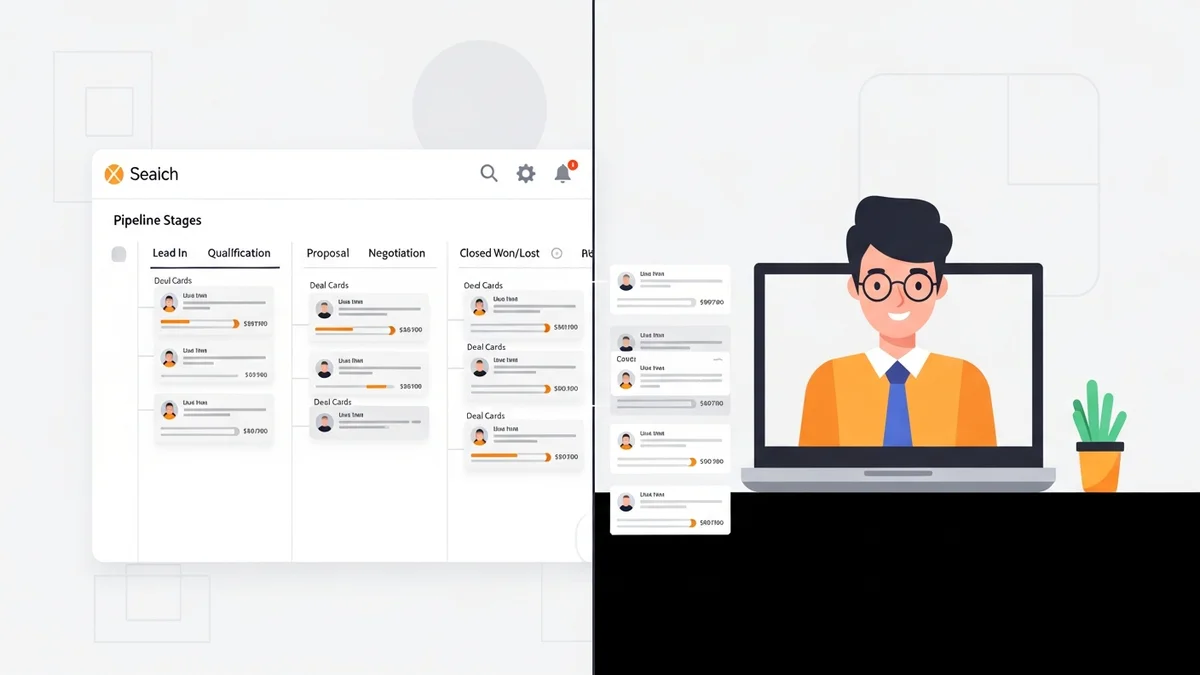
Pipedrive's canvas-style boards with drag-and-drop stages are genuinely best-in-class for pure pipeline visualization. Customizable fields, activity scheduling, goal tracking, and deal forecasting are all built in and accessible without configuration overhead. Reps can log in, see exactly what needs to happen, drag a deal forward, and get back to selling. That frictionless daily experience is Pipedrive's core value proposition.
HubSpot supports multiple pipelines and custom properties, but its pipeline interface is more enterprise-oriented and less click-light. It works well, but it's not where HubSpot puts its engineering focus — the pipeline is a component of a larger system, not the centerpiece.
Automation
Pipedrive automates common sales triggers: assigning tasks, sending follow-up emails, updating fields when deals move stages. For most sales teams, this covers 80% of what they actually need automated. It's approachable and doesn't require a dedicated ops person to maintain.
HubSpot's automation is in a different league. Visual workflows span contacts, deals, tickets, and custom objects, with branch logic, delay triggers, and deep marketing integrations. If you need to automate a nurture sequence that fires differently based on a prospect's industry, deal size, and email engagement history, HubSpot can handle that natively. Pipedrive cannot.
For teams that need heavy automation but don't want to move to HubSpot, pairing Pipedrive with Zapier or Make can close a lot of the gap — but that adds cost and complexity to your stack.
Email Marketing
Pipedrive covers the essentials: email sync, templates, scheduling, basic sequences, and optional add-ons like Lead Booster for forms and chatbots. It's enough for sales-driven outreach but not a substitute for a real marketing platform.
Newsletter
Get the latest SaaS reviews in your inbox
By subscribing, you agree to receive email updates. Unsubscribe any time. Privacy policy.
HubSpot's marketing capabilities are a genuine differentiator: marketing emails, landing pages, CMS, social and ad tracking, lead capture, lead scoring, and nurture campaigns all tie directly to CRM records. The fact that your marketing data and sales data live in the same system — with no sync lag, no field mapping nightmares — is a real operational advantage for teams that run both functions.
Reporting and Analytics
Pipedrive gives you activity tracking, conversion reporting, forecasts, and custom dashboards. For a sales team, that's usually sufficient. Where it falls short is cross-functional reporting — if you want to understand how a marketing campaign influenced pipeline, you're reaching for add-ons or exporting to a BI tool.
HubSpot's reporting goes further with attribution modeling, funnel analysis, cohort reporting, and revenue-by-source breakdowns that blend sales, marketing, and service data. For RevOps teams trying to build a single source of truth, this is the feature that justifies HubSpot's price premium.
Integrations
Pipedrive integrates with Calendly, Zoom, Slack, DocuSign, Zapier, and hundreds of other tools through its marketplace. For a focused sales stack, the integrations cover the essentials cleanly.
HubSpot has hundreds of certified integrations and a massive ecosystem geared toward marketing and revenue operations. Its native integrations tend to be deeper and more maintained than third-party connectors. If your team runs on tools like Microsoft Power Automate for internal workflows, HubSpot's ecosystem plays better with enterprise tooling.
Pricing: What You Actually Pay
Pricing is where the philosophical difference becomes a budget conversation. Pipedrive is straightforward: per-user pricing across tiers from Essential to Ultimate, with optional add-ons for specific features. A five-person team on a mid-tier plan typically pays in the low-to-mid hundreds per month — predictable and scalable.
HubSpot offers a free CRM tier that is genuinely useful for small teams just getting started. But the free tier has real limits, and growth quickly pushes teams toward paid hubs. Sales Hub Professional for five seats runs approximately $400 per month. Bundling the Sales Hub with Marketing Hub and Service Hub — the configuration many growing companies end up needing — can push monthly costs into the thousands.
| Category | Pipedrive | HubSpot |
|---|---|---|
| Starting Price | Per-user, tiers from Essential to Ultimate | Free CRM tier available |
| 5-User Mid-Tier Cost (est.) | ~$200–$300/month | ~$400/month (Sales Hub Professional) |
| Multi-Hub Bundling | Add-ons available (Lead Booster, etc.) | Can reach thousands/month when bundling Sales + Marketing + Service |
| Pricing Model | Per user + optional add-ons | Per seat + per hub tier |
| Free Tier | No | Yes (with feature limits) |
The honest takeaway: Pipedrive's pricing is more predictable. HubSpot's pricing scales with your ambition — which is either a feature or a warning, depending on your growth trajectory and budget discipline.
Ease of Use and Implementation
Pipedrive's reputation for fast adoption is well-earned. The interface is intuitive enough that reps can be productive on day one. There's no dedicated ops person required to maintain the system, and the learning curve stays shallow even as you add automations and custom fields. For sales-led startups and SMBs without a dedicated RevOps function, this matters enormously.
HubSpot is powerful but carries real setup overhead. Getting full value from HubSpot — especially when running multiple hubs — requires deliberate configuration, workflow design, and ongoing ownership to prevent the system from becoming overcomplicated. Many companies underinvest in this setup phase and end up with a messy HubSpot instance that costs as much as enterprise software but performs like a basic CRM.
That said, HubSpot's onboarding resources, academy, and user community are best-in-class. If you're willing to invest in setup, the ceiling is much higher.
Who Should Choose Pipedrive vs HubSpot
Choose Pipedrive If:
- Your team is sales-led and wants a CRM reps will actually log into daily
- You're a startup or SMB that doesn't yet have a dedicated marketing or ops function
- Pipeline visibility and deal tracking are your primary CRM use cases
- Predictable, per-user pricing matters for your budget planning
- You want fast adoption without a months-long implementation project
Choose HubSpot If:
- You need marketing automation, lead scoring, and nurture campaigns tied to your CRM data
- You're building a RevOps function that connects marketing, sales, and service under one roof
- Attribution reporting and cross-functional analytics are required
- You have (or plan to hire) someone to own and maintain the platform
- You're scaling toward mid-market and need a platform that grows with you
Alternatives Worth Considering
Neither Pipedrive nor HubSpot is a perfect fit for every team. If you're a high-velocity sales team that lives on the phone, Close was built specifically for that motion and deserves a look. If you're evaluating lighter-weight CRMs for a smaller team, Freshsales offers a competitive feature set at a lower price point with strong email automation built in.
For teams that need integration-heavy workflows connecting their CRM to other tools in their stack, it's also worth evaluating how well your CRM of choice plays with automation platforms — especially if you're running complex multi-step workflows that go beyond native CRM automation.
The Verdict
Pipedrive wins on simplicity, adoption speed, and value for pure sales teams. If your primary goal is giving reps a clean system to manage pipeline and stay on top of their activity, Pipedrive delivers that better than almost anything else on the market — and at a more predictable price.
HubSpot wins on breadth, depth, and long-term scalability. If you're building a marketing and sales operation that needs to share data, workflows, and reporting under one platform, HubSpot's all-in-one approach eliminates a whole category of integration problems. The premium is real, but so is the value — if you actually use what you're paying for.
The worst outcome is choosing HubSpot for a small sales team that only needs a pipeline tool, paying enterprise prices for features nobody touches. The second-worst outcome is choosing Pipedrive for a team that genuinely needs marketing automation and attribution, then spending the next year duct-taping it together with third-party tools. Know your actual use case, be honest about your team's capacity to own a complex tool, and the right choice becomes obvious.





